Sign in
Open Webmail and enter the complete address plus the password assigned to that mailbox.
Add and isolate accounts
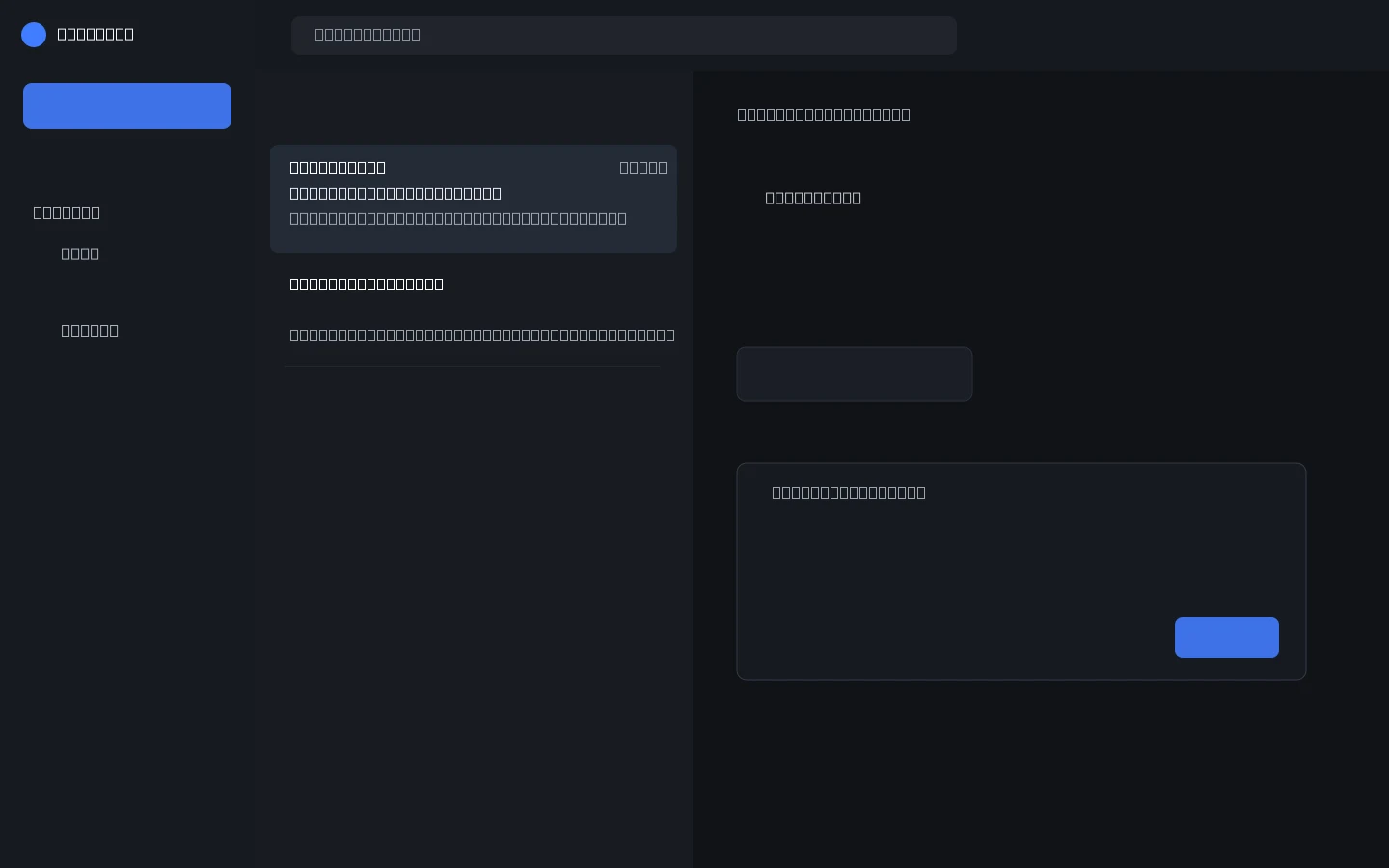
Use Add mailbox to authenticate another address. ALL combines the open inboxes; selecting an account isolates its messages and sender identity.
Compose, attach, and get writing help
Choose the sending account, add CC or BCC, attach files up to 25 MB, save drafts automatically, and use the writing assistant before reviewing and sending.
Sign out independently
Signing out of Webmail does not close the dashboard, and dashboard logout does not close Webmail.